
4.8 KiB
Open Terminal
A computer for your AI agents. Run commands, search and manage files, execute code, and work with browsers and desktops through a self-hosted REST API. Connect it to Open WebUI, or use it with your own tools.
Documentation · Changelog · Report an issue


Installation
Docker
docker run -d --name open-terminal --restart unless-stopped \
  -p 8000:8000 \
  -v open-terminal:/home/user \
  -e OPEN_TERMINAL_API_KEY=your-secret-key \
  ghcr.io/open-webui/open-terminal:latest
The API is available at http://localhost:8000, with interactive docs at /docs. The volume keeps your files between container updates. Replace your-secret-key with your own key.
| Image tag | Includes |
|---|---|
latest |
Full toolkit: Python, Node.js, build tools, browser, desktop, and document tools |
agents |
Everything in latest, plus the latest Codex and Claude Code CLIs |
slim |
Minimal Debian environment with git, curl, and jq |
alpine |
Minimal Alpine environment with git, curl, and jq |
openshift |
Minimal image for OpenShift restricted non-root policies |
Use :agents to run codex or claude from a terminal, signing in with your own account. See the deployment guide for agent setup, image capabilities, custom packages, and updates.
Python
Requires Python 3.11+.
pip install open-terminal
open-terminal run --host 0.0.0.0 --port 8000
Or run without installing: uvx open-terminal run --host 0.0.0.0 --port 8000.
If no API key is configured, one is generated and printed at startup. For Docker, find it with docker logs open-terminal.
Caution
The API key grants command and file access. On bare metal, commands run with your user's permissions. Give access only to people and agents you trust.
Connect to Open WebUI
- Open Settings → Admin → Integrations → Open Terminal.
- Add a URL reachable from the Open WebUI server and your API key.
- Enable the connection and select the terminal in chat.
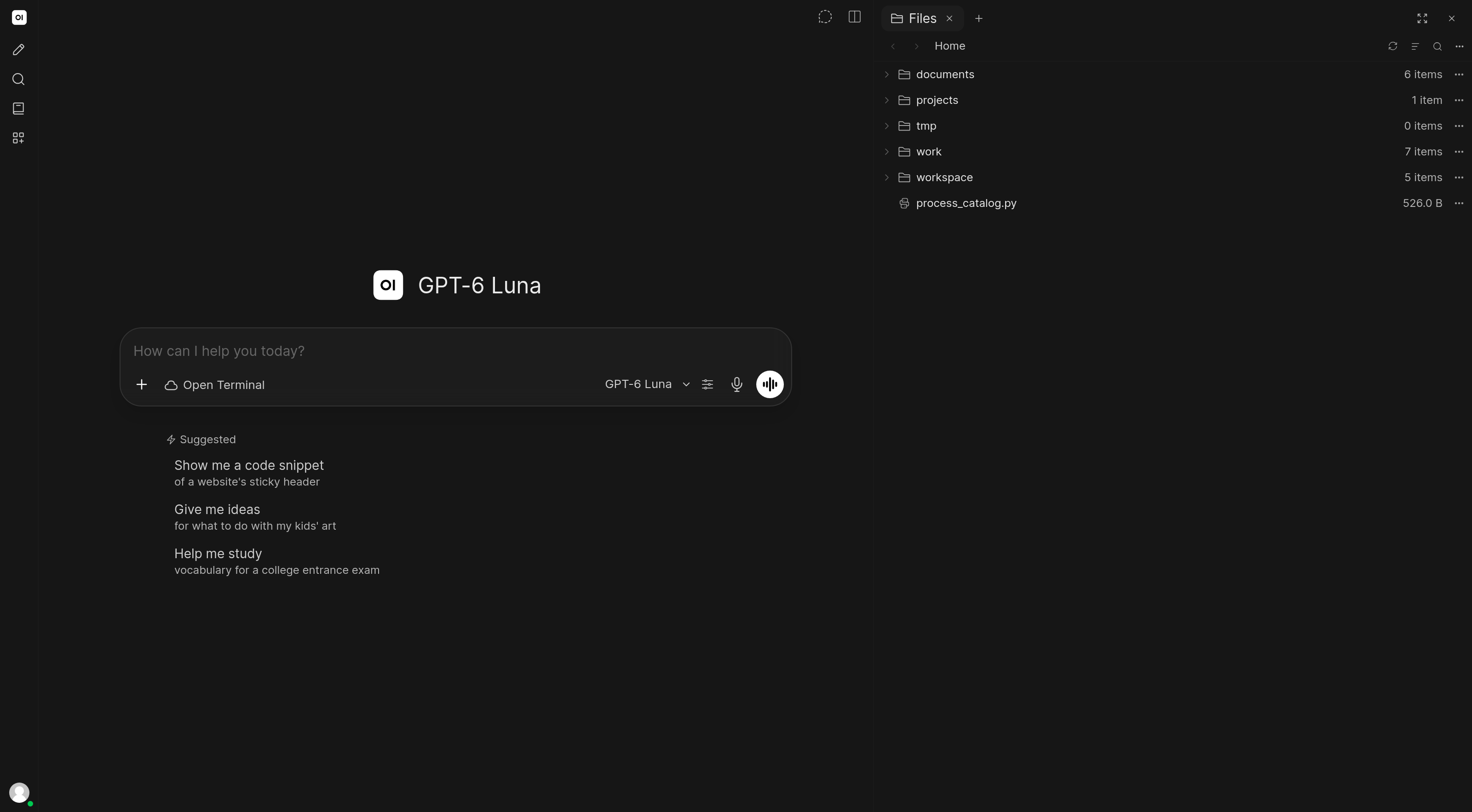
Use the dedicated Open Terminal section to get the file browser and terminal panel. Compare connection modes, or see the connection guide for Docker networking and personal connections.
Configuration
Configure Open Terminal with CLI flags, environment variables, or a TOML file. CLI flags take precedence.
| Guide | Covers |
|---|---|
| Configuration | Config files, browser sessions, storage, and file previews |
| Deployment | Docker variants, coding agents, custom packages, updates, and multi-user setup |
| Temporary public access | Cloudflare tunnels and troubleshooting |
| API reference | Interactive endpoints on your running instance |
Multi-user deployments
Built-in multi-user mode separates workspaces inside one shared container; it does not isolate users and is intended for small, trusted deployments.
For separate containers per user, use Terminals. Production use requires an Open WebUI Enterprise License. See the security policy for the trust model.
Support
Open an issue for bugs or setup problems. Report vulnerabilities privately through GitHub Security Advisories.
Star History
License
MIT. Bundled third-party tools retain their own licenses and terms.