Open WebUI, yapay zekâ için bir yuvadır: tamamen çevrimdışı çalışmak üzere tasarlanmış, genişletilebilir, kullanımı kolay ve kendi sunucunuzda barındırabileceğiniz bir platform. Yerel modellere Ollama üzerinden bağlanın, yerel ve bulut modelleri için OpenAI uyumlu API’leri kullanın veya Agent Client Protocol (ACP) üzerinden ajanlar ekleyin.
[English](README.md) | [简体中文](README.zh.md) | [繁體中文](README.zht.md) | [한국어](README.ko.md) | [Deutsch](README.de.md) | [Español](README.es.md) | [Français](README.fr.md) | [Italiano](README.it.md) | [Dansk](README.da.md) | [日本語](README.ja.md) | [Polski](README.pl.md) | [Русский](README.ru.md) | [Bosanski](README.bs.md) | [العربية](README.ar.md) | [Norsk](README.no.md) | [Português (Brasil)](README.br.md) | [ไทย](README.th.md) | [Türkçe](README.tr.md) | [Українська](README.uk.md) | [বাংলা](README.bn.md) | [Ελληνικά](README.gr.md) | [Tiếng Việt](README.vi.md) [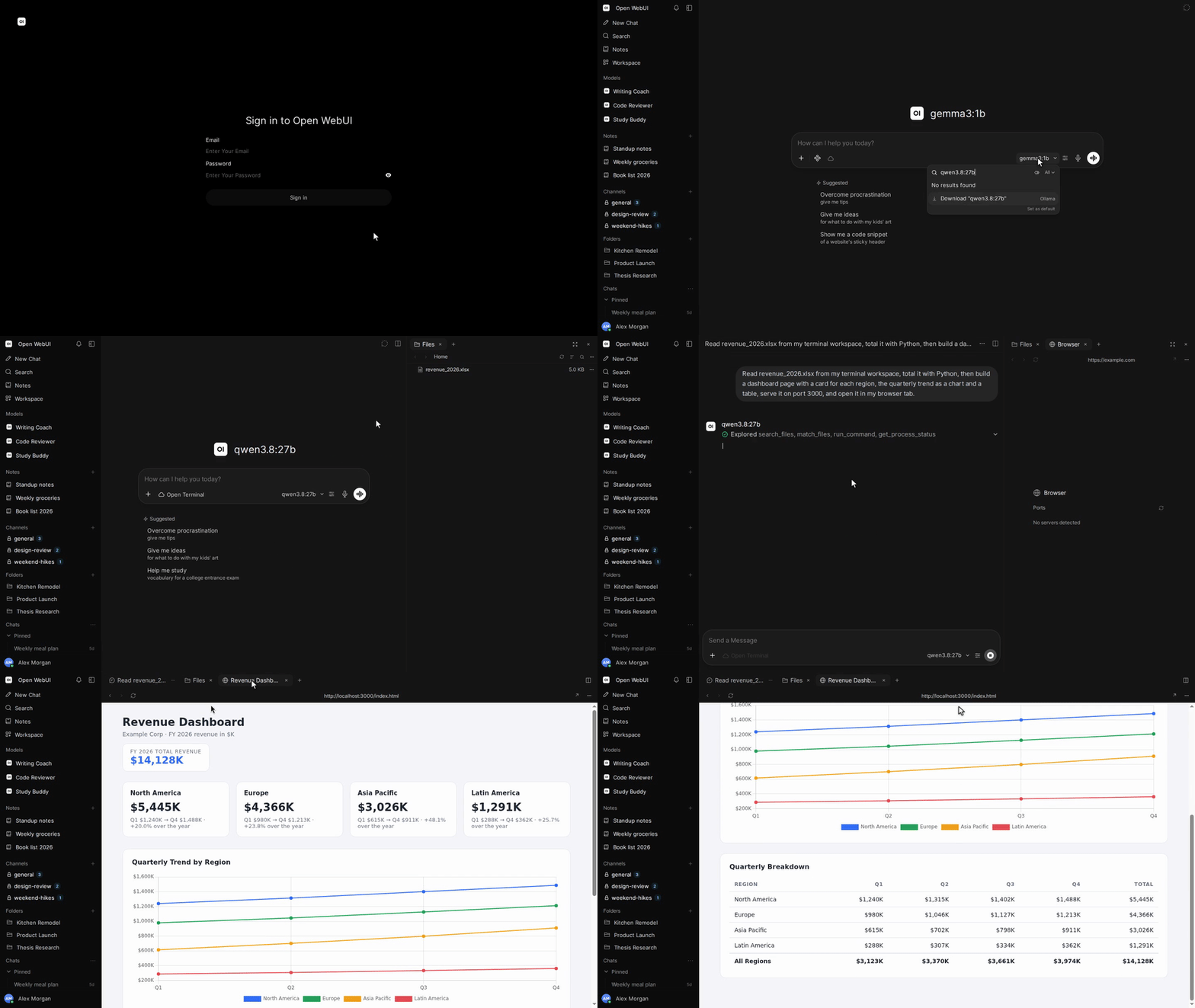](https://docs.openwebui.com/)        [](https://discord.gg/5rJgQTnV4s) [](https://github.com/sponsors/open-webui) [Open WebUI’ı keşfedin →](https://docs.openwebui.com/) ### Kurulum #### Python Python 3.12 gerektirir. ```bash pip install open-webui open-webui serve ``` Ardından [http://localhost:8080](http://localhost:8080) adresini açın. #### Docker ```bash docker run -d -p 3000:8080 --add-host=host.docker.internal:host-gateway -v open-webui:/app/backend/data --name open-webui --restart always ghcr.io/open-webui/open-webui:main ``` Ardından [http://localhost:3000](http://localhost:3000) adresini açın. | İmaj etiketi | İçerik | | ------------ | --------------------------------------------------------------------------------- | | `:main` | Yerel yapay zekâ bağımlılıklarını içeren standart imaj | | `:slim` | Gömme vektörleri, belge çıkarımı ve ses için harici hizmetler kullanan hafif imaj | | `:cuda` | CUDA hızlandırmalı Open WebUI | | `:ollama` | Ollama ile birlikte gelen Open WebUI | | `:dev` | En son geliştirme derlemesi | Gerektiğinde bu seçenekleri `docker run` komutunda imaj adından önce ekleyin: | Seçenek | Amaç | | ---------------------------------------------------- | --------------------------------------------------------------------------------------------------- | | `-e OLLAMA_BASE_URL=http://your-ollama-server:11434` | Başka bir sunucudaki Ollama’ya bağlanma | | `-e OPENAI_API_KEY=your_secret_key` | OpenAI API anahtarınızı ayarlama | | `-e HF_HUB_OFFLINE=1` | Çevrimdışı kullanım için Hugging Face model indirmelerini devre dışı bırakma | | `--gpus all` | `:cuda` veya `:ollama` için Nvidia GPU erişimini etkinleştirme; Nvidia Container Toolkit gerektirir | Kurulum adımları ve yapılandırma seçenekleri için [Docker kurulum kılavuzuna](https://docs.openwebui.com/getting-started/quick-start/) bakın. #### Masaüstü uygulaması macOS, Windows ve Linux için [yerel masaüstü uygulamasını indirin](https://github.com/open-webui/desktop). [Belgeleri okuyun →](https://docs.openwebui.com/getting-started/) ### Ekosistem - [Open Terminal](https://github.com/open-webui/open-terminal) / [Terminals (Enterprise)](https://github.com/open-webui/terminals): Open WebUI’ı eksiksiz bir ajan çalışma ortamına dönüştüren yürütme katmanı; kullanıcıya özel çalışma alanları için kurumsal orkestrasyon sunar. - [Knowledge Base Sync (oikb)](https://github.com/open-webui/oikb): Klasörleri, depoları, nesne depolama kovalarını ve vikileri artımlı eşitleme ile Open WebUI bilgi tabanlarına yansıtın. - [Open WebUI Computer](https://github.com/open-webui/computer): Bilgisayarınız her tarayıcıda: dosyalar, düzenleyici, terminal, Git ve isteğe bağlı yapay zekâ ajanları kendi gerçek makinenizde çalışır. Ayrıntılar için [ekosistem belgelerine](https://docs.openwebui.com/ecosystem/) bakın. ### Sorun giderme ve güncellemeler Bağlantı sorunları için [sorun giderme kılavuzuna](https://docs.openwebui.com/troubleshooting/), kurulumunuzu güncellemek için [güncelleme kılavuzuna](https://docs.openwebui.com/getting-started/updating) bakın. ### Belgeler Yapılandırma ve kullanım için [belgelere](https://docs.openwebui.com/), planlanan çalışmalar için [yol haritasına](https://docs.openwebui.com/roadmap/) bakın. Docker Compose, Kubernetes ve diğer kurulumlar için [kurulum belgelerine](https://docs.openwebui.com/getting-started/) bakın. ### Destek [Bir issue açın](https://github.com/open-webui/open-webui/issues) veya [tartışma başlatın](https://github.com/open-webui/open-webui/discussions). Bizi [Reddit](https://www.reddit.com/r/OpenWebUI/), [X](https://x.com/OpenWebUI) ve [Discord](https://discord.gg/5rJgQTnV4s) üzerinde bulabilirsiniz. ### Güvenlik Güvenlik açıklarını [GitHub Security Advisories](https://github.com/open-webui/open-webui/security) üzerinden gizli olarak bildirin. Güvenlik bildirimleri yalnızca GitHub üzerinden kabul edilir. ### Yıldız geçmişi