
Open Terminal
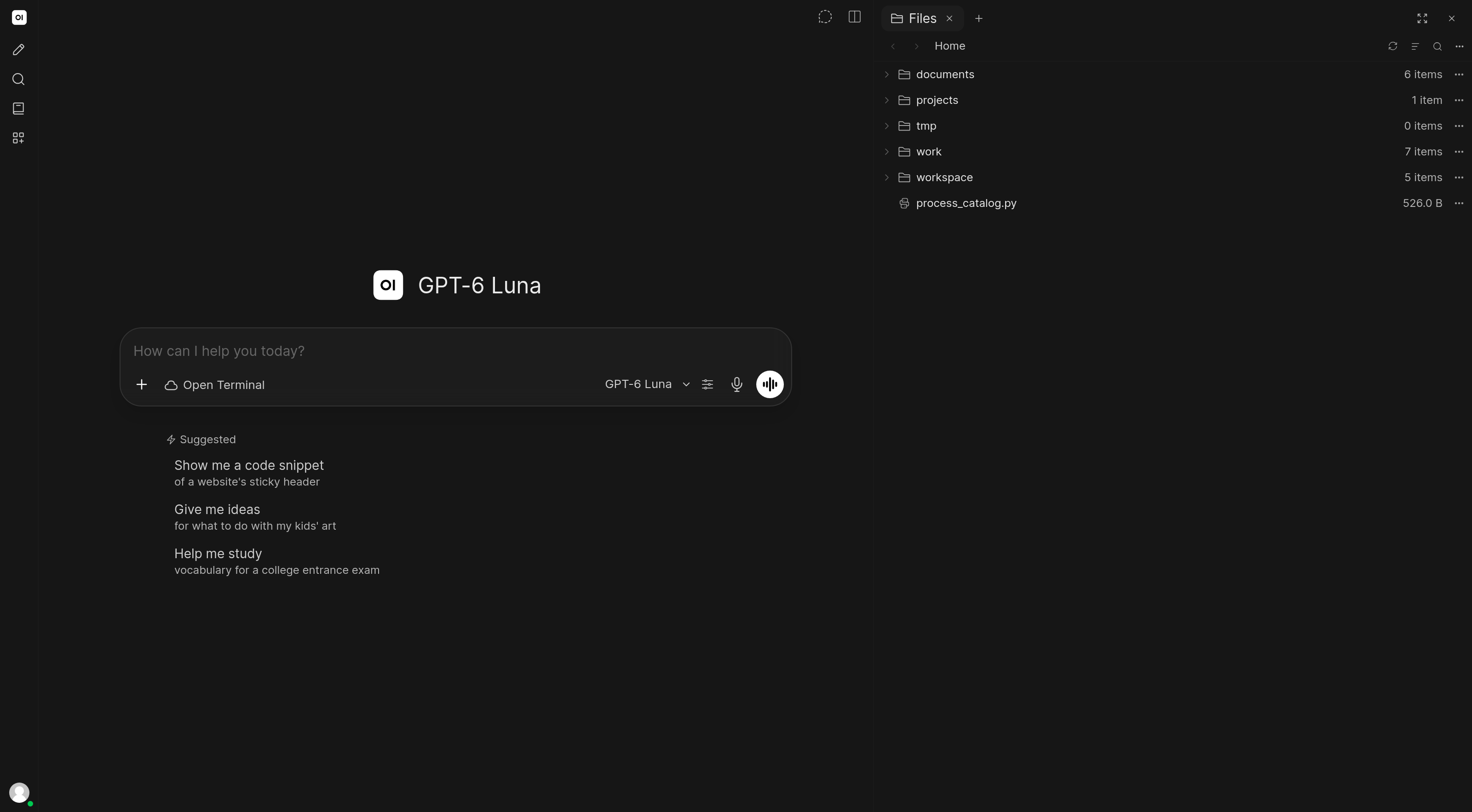
A computer for your AI agents. Run commands, search and manage files, execute code, and work with browsers and desktops through a self-hosted REST API. Connect it to Open WebUI, or use it with your own tools.
Documentation · Changelog · Report an issue


Installation
Docker
docker run -d --name open-terminal --restart unless-stopped \
  -p 8000:8000 \
  -v open-terminal:/home/user \
  -e OPEN_TERMINAL_API_KEY=your-secret-key \
  ghcr.io/open-webui/open-terminal:latest
The API is available at http://localhost:8000, with interactive docs at /docs. The volume keeps your files between container updates. Replace your-secret-key with your own key.
| Image tag | Includes |
|---|---|
latest |
Full toolkit: Python, Node.js, build tools, browser, desktop, and document tools |
agents |
Everything in latest, plus the latest Codex and Claude Code CLIs |
cuda |
Full environment with CUDA toolkit and GPU-enabled PyTorch |
slim |
Minimal Debian environment with git, curl, and jq |
alpine |
Minimal Alpine environment with git, curl, and jq |
openshift |
Minimal image for OpenShift restricted non-root policies |
Use :agents to run codex or claude from a terminal, signing in with your own account. See the deployment guide for agent setup, image capabilities, custom packages, and updates.
Python
Requires Python 3.11+.
# uv (replace your-secret-key)
uvx open-terminal@latest run --host 0.0.0.0 --port 8000 --api-key your-secret-key

# Or pip
pip install open-terminal
open-terminal run --host 0.0.0.0 --port 8000
The Open Machine alias package provides the same CLI as
open-machine and depends on open-terminal.
Linux defaults to a separate XFCE desktop. Select GNOME explicitly with --desktop-environment gnome. On Debian and Ubuntu, open-terminal install-deps installs the packages for the desktop and Chrome tabs; see desktop setup for other systems. Keep your existing display manager if prompted during installation. Docker latest includes XFCE and its dependencies. Sharing your actual logged-in desktop requires --desktop-mode host.
If no API key is configured, one is generated and printed at startup. For Docker, find it with docker logs open-terminal.
Caution
The API key grants command and file access. On bare metal, commands run with your user's permissions. Give access only to people and agents you trust.
Private local IPC
Desktop clients can use the existing HTTP/WebSocket API without opening a TCP listener:
# macOS/Linux: use a socket inside a directory owned by the current user (mode 0700).
open-terminal run --isolated --ipc /path/to/private-directory/api.sock
On Windows, use a local named pipe, for example
open-terminal run --isolated --ipc \\.\pipe\open-terminal-private.
API-key authentication still applies. --port 8000 adds a TCP listener;
it binds to 127.0.0.1 unless --host 0.0.0.0 is explicitly supplied.
Use port 0 to select an available port. The bind address and port are logged at startup.
With --ipc, --host requires an explicit --port; --cftunnel is not supported.
To reach an IPC server on another machine over SSH, forward to the socket. If that machine's SSH server
blocks socket forwarding (AllowStreamLocalForwarding no), run open-terminal bridge over SSH instead.
It relays its stdin and stdout to the socket, so the client speaks HTTP over the SSH session:
ssh user@host open-terminal bridge /path/to/private-directory/api.sock
bridge supports Unix sockets only.
Connect to Open WebUI
- Open Settings → Admin → Integrations → Open Terminal.
- Add a URL reachable from the Open WebUI server and your API key.
- Enable the connection and select the terminal in chat.
Use the dedicated Open Terminal section to get the file browser and terminal panel. Compare connection modes, or see the connection guide for Docker networking and personal connections.
Configuration
Coding agents in chat
Install and sign in to the agent CLIs as the user running Open Terminal. In a compatible Open WebUI checkout, selecting this terminal adds its discovered models to the existing model selector as <agent>/<model>. Agent conversations run in the terminal's current directory, with streaming output, native tool/extension approvals, attachments, Stop, and conversation continuation.
| Agent | Native interface | Executable override |
|---|---|---|
| Codex | codex app-server --listen stdio:// |
OPEN_TERMINAL_CODEX_COMMAND |
| Claude Code | claude --input-format stream-json --output-format stream-json |
OPEN_TERMINAL_CLAUDE_COMMAND |
| Cursor | agent acp |
OPEN_TERMINAL_CURSOR_COMMAND |
| Grok | grok --no-auto-update agent stdio |
OPEN_TERMINAL_GROK_COMMAND |
| OpenCode | opencode acp |
OPEN_TERMINAL_OPENCODE_COMMAND |
| Cline | cline --acp |
OPEN_TERMINAL_CLINE_COMMAND |
| Gemini CLI | gemini --acp |
OPEN_TERMINAL_GEMINI_COMMAND |
| Pi | pi --mode rpc |
OPEN_TERMINAL_PI_COMMAND |
| Hermes | hermes acp |
OPEN_TERMINAL_HERMES_COMMAND |
| Antigravity | agy acp |
OPEN_TERMINAL_ANTIGRAVITY_COMMAND |
| GitHub Copilot | copilot --acp |
OPEN_TERMINAL_COPILOT_COMMAND |
| Goose | goose acp |
OPEN_TERMINAL_GOOSE_COMMAND |
| Qwen Code | qwen --acp |
OPEN_TERMINAL_QWEN_COMMAND |
Any other ACP agent, such as those in the ACP Registry, can be added without a code change. List them in OPEN_TERMINAL_ACP_AGENTS as a JSON object of ids, display names and launch commands:
OPEN_TERMINAL_ACP_AGENTS='{"droid": {"name": "Factory Droid", "command": "droid exec --output-format acp-daemon"}, "kiro": {"name": "Kiro", "command": "kiro-cli acp"}}'
Server settings
Configure Open Terminal with CLI flags, environment variables, or a TOML file. CLI flags take precedence.
| Guide | Covers |
|---|---|
| Configuration | Config files, browser sessions, storage, and file previews |
| Deployment | Docker variants, coding agents, custom packages, updates, and multi-user setup |
| Temporary public access | Cloudflare tunnels and troubleshooting |
| API reference | Interactive endpoints on your running instance |
Multi-user deployments
Built-in multi-user mode separates workspaces inside one shared container; it does not isolate users and is intended for small, trusted deployments.
For separate containers per user, use Terminals. Production use requires an Open WebUI Enterprise License. See the security policy for the trust model.
Support
Open an issue for bugs or setup problems. Report vulnerabilities privately through GitHub Security Advisories.
Contributing
We don't accept pull requests except in exceptional cases. Open an issue describing the bug or idea first.
Star History
License
MIT. Bundled third-party tools retain their own licenses and terms.